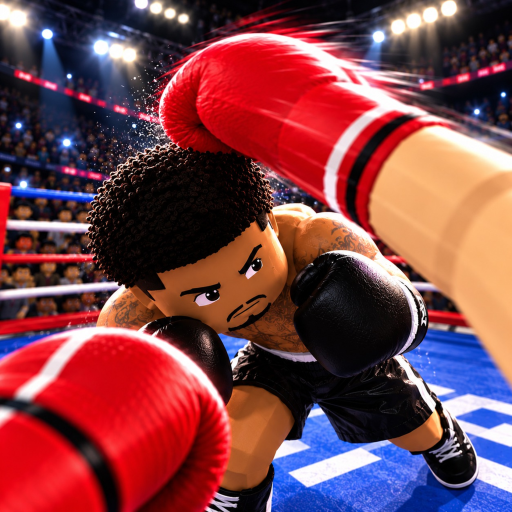
First Person Boxing Mobile Access: Open the Right Experience
Quick answer
- Use the official Roblox experience entry for First Person Boxing.
- Match the developer name, 0 CCU Farm Games, rather than a similar boxing title.
- Once the experience opens in your Roblox client, begin with a focused touch-play practice aim.
Use the experience entry as the destination
First Person Boxing is a Roblox experience with its own official game page. Begin mobile access through that exact entry, rather than treating every search result containing the same words as the game. The official page identifies the experience and its developer, 0 CCU Farm Games.
Keep that identity attached to the session you open. A similarly named boxing game can describe different controls, codes or progression. The useful destination is the current experience you wanted to play, not a result that happens to promise a separate download using the same title.
Keep the Roblox client separate from the game title
A mobile Roblox experience is reached through the Roblox client. The game title identifies the experience inside that platform; it does not by itself establish a separate First Person Boxing application package. Use the official Roblox route for the client and the verified experience page for the game you intend to enter.
If a search expression adds an APK label, keep the two questions distinct: access to Roblox and access to this experience. Do not let the extra search wording replace the developer identity or the official destination. The wiki's role is guiding the game session, rather than distributing a different client or requesting an account login.
| Question | Useful destination |
|---|---|
| Which game should I open? | The exact official Roblox experience and developer identity. |
| Where does mobile play happen? | The Roblox client and the current game session. |
| How do I begin the fight? | Mobile controls and one focused AI practice goal. |
| Why does an action fail? | Input troubleshooting, target choice or fatigue according to the symptom. |
Prepare a touch session around one clear action
The developer advertises mobile support. Once the game session opens, keep the opponent's hands and threatened target readable while choosing a touch action. Begin with one defensive purpose instead of combine movement, guards and repeated attacks before you can follow the exchange.
Different guards protect the head and body. Choose one target read as the first practice goal and keep it deliberate. If the return becomes rushed, shorten the attacking commitment. Getting tired slows your boxer down, so a clear touch session also needs a pace you can manage. Mobile controls explains the attention and defensive priorities.
Choose the next guide from the actual session problem
If the experience opens but the intended action never appears, use controls troubleshooting. If the action appears but the incoming target is hard to follow, work on guards or the mobile attention problem. A slow, exhausting exchange points toward stamina management, rather than a different download.
Use AI practice to become familiar with the first response, then test it against another player. The access task is complete when you are in the intended Roblox experience; the next task is learning a readable ring decision. Keeping those goals separate makes the mobile session easier to start and the next correction easier to choose.
Open the official First Person Boxing experience to match the game and developer before applying this guidance in your next session.